
Robot vacuum cleaners – when cleaning stops feeling like work
Introduction to the world of autonomous cleaning
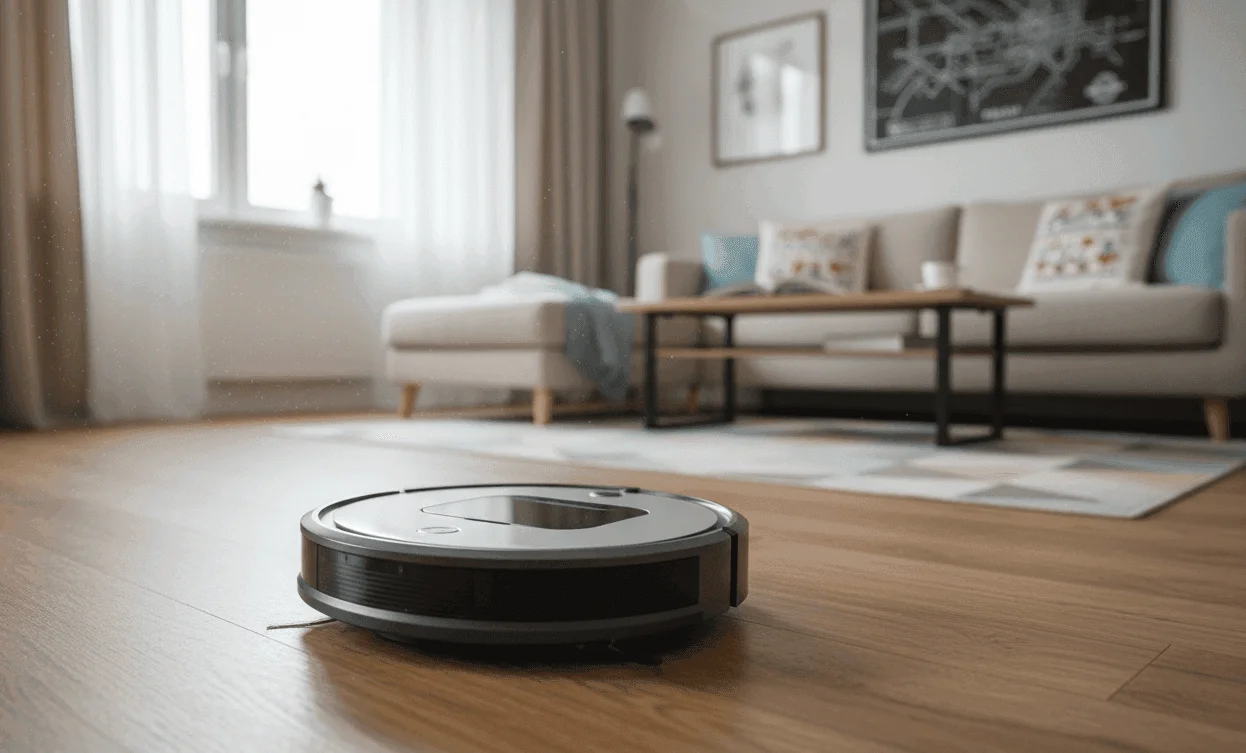
A robot vacuum cleaner is an automated device that moves around the room on its own, vacuums dirt and dust, and then returns to its charging dock. These smart devices have become an essential helper in modern homes, where they save time and deliver consistent, everyday cleaning without any human effort. The main job of a robot is to keep your floors clean between deep cleans, reducing the amount of dust, allergens and pet hair. While the first generations of robots felt more like a “gadget”, today’s premium models can vacuum and mop effectively, map complex spaces and empty themselves automatically. The core efficiency of a robot vacuum stands on key technologies that determine how well and how fast it cleans – especially the type of navigation and suction power, which we explain in detail below.
Did you know: Modern robot vacuums use the same laser navigation technology (Lidar) as autonomous cars? Thanks to this, they can store maps for up to 4 different floors, accurately identify obstacles and avoid them in real time.
How a robot vacuum works: Key technologies and navigation
The way a robot vacuum works is based on the interaction of several core components: a powerful motor for suction, a battery for power, a filter to trap dust, rotating brushes (main and side) to collect debris and, above all, a set of sensors and a navigation system that guide the robot. Navigation is exactly what separates basic models from truly smart ones.
Random movement / basic navigation
This is the oldest and simplest form of navigation. The robot moves in straight lines until it hits an obstacle, then changes direction. It only uses basic bump and infrared sensors. The main benefit is a very low price and simple operation. On the other hand, this navigation is extremely inefficient, because the robot often misses spots and repeatedly cleans the same areas, so it’s only suitable for very small and simple apartments.
Camera (V-SLAM)
V-SLAM (Visual Simultaneous Localization and Mapping) uses a camera, usually mounted on top, to visually track the ceiling and surroundings. The robot creates a map of the room based on what it “sees”. The advantage is better coverage than random movement and the option of basic mapping. The downside is that it needs sufficient lighting, because navigation is very poor in the dark and the robot can “get lost” in rooms with identical ceilings or when shadows move.
Laser (Lidar/ToF)
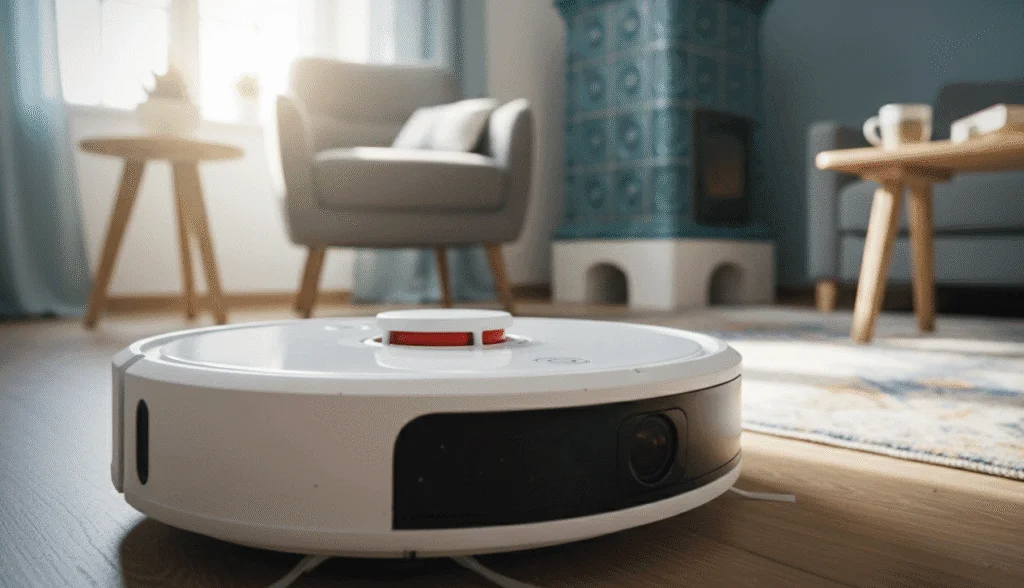
Lidar (Laser Distance Sensor) or ToF (Time-of-Flight) is currently the most accurate and fastest navigation technology. The sensor, often placed in a “turret” on top of the robot, rotates and sends out thousands of laser beams per second, creating a precise 360° map of the room regardless of lighting conditions. This allows for the fastest cleaning, the most efficient route (systematic row-by-row cleaning), works even in complete darkness and enables precise mapping and zoning in the app. The downsides are the higher purchase price and the fact that the turret increases the robot’s height, which can prevent it from cleaning under low furniture.
Types of robot vacuums and what they’re best for
Thanks to rapid development, the market now offers models with different levels of automation and functionality.
Basic vacuum (Vacuum Only)
These models focus solely on picking up dry dirt. They often use random movement or simple V-SLAM navigation and have a small dustbin and low suction power. They’re a good fit for owners of small flats with hard floors who want an affordable solution for quick daily dusting. The main advantage is the low price, but you trade that for minimal smart features and poor performance on carpets.
Vacuum with mopping function (2-in-1)
This is the most popular option, combining vacuuming and mopping in a single cycle. Most models vacuum and mop at the same time. It’s important to remember that a robot mop is designed only for wet cleaning, while a 2-in-1 model is primarily a vacuum with an added function. There are two basic types of mopping. The first is passive mopping, where water only wets the cloth that the robot drags behind it, so it mainly wipes up dust and doesn’t remove dried-on stains. The second is active mopping, where advanced models use vibrating, sonic or rotating mechanisms that mimic manual scrubbing. These models can handle tougher dirt and often detect carpets and automatically lift the mopping pad.
Self-emptying dock (Auto-Empty Dock)
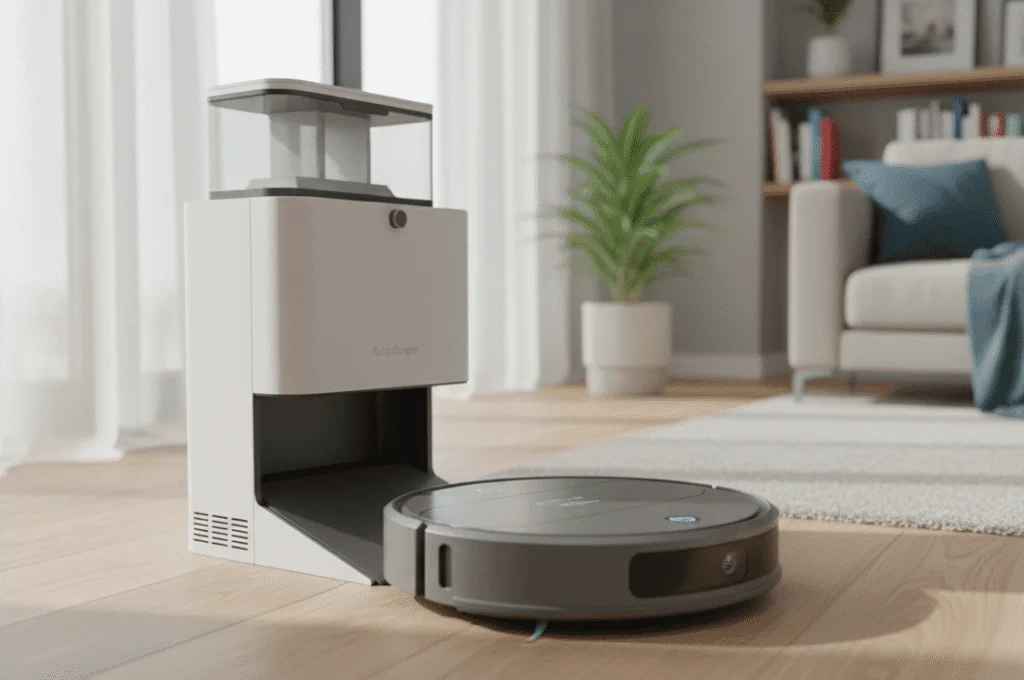
These models come with a large docking station that automatically sucks the dirt out of the robot’s dustbin into a big bag inside the dock after each cleaning cycle. This solution is ideal for allergy sufferers, pet owners and anyone who wants maximum automation and minimal contact with dust, because it provides maintenance-free operation for 30–60 days. When choosing, pay attention to the bag capacity, which tells you how often you’ll have to replace it, and also to the noise level – the emptying process is very loud, typically over 80 dB, even though it only lasts 10–20 seconds.
Specialised types
Among the special types are models in a D-shape (e.g. Roomba Combo j7+), which can reach into corners more effectively thanks to their design. Models designed for pet owners often come with special silicone, tangle-resistant brushes and extra high suction power.
Key technical parameters to consider
When comparing models, focus on the following key features that directly affect cleaning quality and user comfort.
Suction power (Pa)
Suction power is given in Pascals (Pa). A higher number means stronger suction, but it’s not the only factor – the efficiency of the brushes and the shape of the suction inlet matter too. For hard floors, around 1500–2000 Pa is enough. For deep carpet cleaning, where dust and dirt sit inside the fibres, we recommend 2500 Pa or more. Premium models can go over 5000 Pa, and it’s important that the robot can automatically boost suction when it drives onto a carpet.
Battery life and charging
Battery capacity determines how much area the robot can clean on a single charge, with typical runtimes ranging from 90 to 180 minutes. A robot with around 120 minutes of runtime can easily clean an average 80–100 m² apartment. For larger homes, the Recharge & Resume function is essential: if the robot runs out of power mid-clean, it returns to the dock, recharges and then automatically resumes cleaning exactly where it left off.
Size and shape
Above all, the robot’s height is critical for cleaning under furniture such as beds, sofas or cabinets on legs. Most robots with Lidar navigation are around 9.5–10 cm tall. Another important parameter is the dustbin capacity, which ranges from about 300 ml (2-in-1 models) to 600 ml. The smaller the bin, the more often you’ll need to empty it by hand, although with self-emptying dock models, bin size is much less important.
Noise level (dB)
Noise matters if you plan to let the robot clean while you’re at home or sleeping. Anything below 60 dB is considered quiet, while typical vacuuming runs at 65–70 dB. Keep in mind that noise always increases with suction power – at maximum power on carpet, it usually exceeds 70 dB.
Filtration (HEPA)
High-quality filtration is crucial for allergy and asthma sufferers. A HEPA (High Efficiency Particulate Air) filter can capture up to 99.97% of particles as small as 0.3 microns, such as pollen, dust mites and fine dust. To keep filtration effective, you need to tap the filter clean regularly and replace it as the manufacturer recommends, usually every 3 to 6 months.
Mapping and app control
The smartphone app is the brain of a modern robot. It lets you create a digital map of your home that’s used for smart cleaning, so-called zoning (Targeted Cleaning), where you can send the robot to clean just a specific room or a defined area. It also lets you set up No-Go Zones, which are virtual barriers the robot must not cross. You can schedule different times and cleaning modes for different days as part of cleaning plans. For multi-storey homes, multi-floor support is crucial, allowing the robot to save and automatically select the right map.
Buying guide: How to choose the right robot for your home
Always start by defining your needs and priorities.
For small apartments with hard floors
For this type of space, basic navigation (V-SLAM) or simple Lidar is enough. Your priority should be a 2-in-1 model with passive mopping to wipe up dust after vacuuming. In this case, it doesn’t make sense to spend extra on a self-emptying dock. Look for a mid-range model with a good price-to-performance ratio.
For families with children and/or pets
The key is laser Lidar navigation for fast and efficient cleaning and high suction power (2500 Pa+). A self-emptying dock should be a priority to prevent hair and dust from building up in the bin, along with active mopping to deal with dried food stains. Models with rubber, tangle-resistant brushes are ideal. It’s worth focusing on the premium segment, which offers the best automation and cleaning performance.
For multi-storey houses
Here, Lidar navigation is an absolute must for fast mapping of large and complex spaces. Your priorities should be support for multiple maps in the app and the Recharge & Resume function, since larger areas mean longer cleaning times and more frequent recharging. You can either buy a cheaper robot for each floor, or one premium unit with support for multiple docks.
What to watch out for when buying
Don’t be fooled by extremely high Pa ratings, because suction power is pointless if the robot doesn’t have an effective main brush to lift dirt from the floor – this is the common Pa myth. Marketing claims about cleaning shaggy carpets are often exaggerated, as robots either get stuck on them or don’t clean them properly. Before buying, always read reviews focusing on the performance and reliability of the mobile app, which is crucial for smart cleaning.
Maintenance and care for long service life
Regular maintenance is absolutely essential for proper performance and long life of your robot vacuum. A neglected robot loses suction power and overall efficiency.
Cleaning the main and side brushes
The main brush quickly gets tangled with hair and fur. Rule of thumb: After every 2–3 cleaning cycles, remove the brush and use the included cutting tool (often hidden inside the robot) to remove all hair. Also check the side brushes to make sure they spin freely.
Filter replacement
HEPA filters clog with fine dust, which dramatically reduces suction power. Tap the filter clean after every cleaning (or every third one) and replace it with a new one every 3–6 months. Most filters are not washable!
Care for sensors and wheels
Wipe the infrared cliff sensors (usually located on the underside) with a dry cloth. If the sensors are dusty, the robot may think it’s on a ledge even on a flat floor and stop with an error. Also remember to check and clean the front caster wheel, which tends to get clogged.
Battery care and long-term storage
Most robots use Li-ion batteries. If you’re not going to use the robot for a longer period, for example during a holiday, store it charged to 50–80% and away from the charging dock. Never leave the battery fully discharged, as this can cause irreversible damage.
Tips for effective use
Before you start a cleaning cycle, prepare the space – pick up loose cables, socks and small lightweight rugs that the robot could tangle or push around. Also keep about 1 metre of free space in front of the charging dock and 0.5 metres on each side so the robot can dock without problems.
Prices and recommended segments
The price of robot vacuums varies widely depending on navigation quality and level of automation. Entry-level models up to 220 $ offer random movement or basic V-SLAM, low suction power and manual control without mapping. The mid-range from 217–520 $ usually comes with reliable V-SLAM or early Lidar navigation, solid suction (2000 Pa+), basic 2-in-1 functionality and mapping and zoning via the app. The premium segment above 520 $ features the most accurate Lidar/ToF, high suction power (3000 Pa+), a self-emptying dock, active mopping and multi-floor maps.
When it pays to spend more
It’s worth paying extra for Lidar navigation if your home is larger than 60 m² or has a complex layout, because this technology saves time and ensures systematic cleaning. Another smart investment is a self-emptying dock – especially if you have pets or allergies, as it’s the biggest leap in automation. Finally, it’s a good idea to spend more on active mopping if you want the robot to genuinely replace manual mopping rather than just lightly dampen the floor.
Most popular brands and manufacturers
The robot vacuum market is dominated by a few strong players, each focusing on slightly different strengths.
iRobot (Roomba)
A pioneer in the field since 2002, focusing on reliable vacuuming and long lifespan. Their latest models (the j series) stand out for their advanced obstacle recognition (cables, pet waste), which they can avoid. The typical focus is dependable vacuuming, robustness and ease of use, with products positioned mainly in the mid to premium price range.
Xiaomi/Roborock
Roborock is currently the leader in innovation and value for money, often linked to the Xiaomi ecosystem. They were the first to bring Lidar navigation and active mopping to the mass market. They offer excellent mapping features and some of the most advanced 2-in-1 solutions at a reasonable price. Their typical focus is Lidar navigation, advanced 2-in-1 cleaning and the best price/performance ratio, mostly in the mid to premium segment.
Ecovacs (Deebot)
Ecovacs focuses on integrating cutting-edge technologies. They’re known for their AIVI (Artifical Intelligence and Visual Interpretation) systems for camera-based obstacle avoidance and for very sophisticated and efficient rotating mopping systems. Their typical focus is innovation (AIVI), advanced mopping and high suction power in the mid to premium price range.
Sencor/Niceboy (Aspiria)
These brands often offer solid and affordable models in the entry-level and lower mid-range. They’re suitable for users who want to try a robot but don’t want to invest a lot of money. They provide basic vacuuming features and often V-SLAM navigation. Their typical focus is basic vacuuming at a fair price, targeting the entry-level to mid-range segment.
History and evolution of robot vacuums
Robot vacuums have a longer history than you might think. The first commercial models appeared in the late 1990s, but the real breakthrough came in 2002, when iRobot launched the iconic Roomba. The first models relied entirely on random movement, so cleaning was more a matter of luck and took a very long time. Major progress came between 2010 and 2015, when robots started using cameras (V-SLAM) to create maps, which boosted efficiency. The real revolution arrived with laser (Lidar) navigation around 2016, which enabled fast, systematic cleaning and smart mapping in the app. Key innovations in recent years include the self-emptying dock, introduced around 2018, which solved the need for daily manual emptying, and active mopping (sonic, rotating), which upgraded 2-in-1 cleaning from simple dust wiping to proper mopping.
Summary and final tip
When choosing a robot vacuum, first think about how complex your home is and what you really expect from the robot. Remember that navigation is priority number one – for large and complex spaces, focus on Lidar navigation for the fastest cleaning and precise zoning. Suction power becomes critical if you have carpets or pets, and in that case you should look for 2500 Pa or more. The 2-in-1 function is great for everyday cleanliness, but if you want truly shiny floors, you’ll need active mopping (vibrating/rotating). If you’re after maximum automation and minimum effort, invest in a self-emptying dock. You’ll avoid dealing with the dustbin and daily vacuuming. Instead of just a robot vacuum, you’ll get a personal, fully automated cleaner. Free up your time for more important things – your robot will handle the rest.
Frequently asked questions (FAQ)
Is a robot vacuum suitable for cleaning long hair?
Yes, but with certain limitations. Most robots will pick up long hair, but it almost always wraps around the main roller brush, which reduces its effectiveness and can lead to damage. When cleaning long hair and pet fur, it’s absolutely essential to clean the brush regularly (every 1–2 days) and remove tangled hair with the tool supplied by the manufacturer. Models with special silicone (rubber) brushes that tangle less are particularly useful.
What are the hidden running costs of a robot vacuum?
Hidden costs are mainly linked to consumables. These include replacement filters (HEPA), which need to be changed every 3–6 months, and side and main brushes, which should typically be replaced every 6–12 months. There are also the costs of bags for the self-emptying dock, which you’ll need to buy regularly, and mopping pads, which eventually need replacing even though they can be washed. Overall, expect an annual budget for spare parts of around 22–65 $, depending on how often you clean and the type of robot.
How does a robot vacuum handle black carpets and thresholds?
Most robots are designed to safely cross thresholds and obstacles up to 1.5 to 2 cm high. Problems with black carpets are related to the infrared cliff sensors. Black surfaces absorb infrared light, which the sensors interpret as a drop/stairs. The robot then refuses to drive onto the black carpet. Manufacturers tackle this either with improved sensors on higher-end models or with software tweaks, but it can still be an issue on basic models.